- Logbooks
- Certificates
- Expiry warnings
- PDF summaries

Subsea Logger
Your subsea logbooks and certificates in one app. Log tours, dives and sea service as they happen, keep every ticket in date, and send a clean summary to the next employer.
In testing on Android, iPhone and iPad. Google Play and App Store release to follow.
Five logbooks, one record
Each logbook keeps a running total, and the totals from your paper logbooks are brought forward, so your cumulative time is complete from the first day.
ROV
One entry per tour or dive: vessel, client, location, your position, the vehicle from a full list of manufacturers and models, hours, operations and tooling, with verifier and project manager signatures. Competence assessments sit alongside.
Manned Submersible
Laid out like the ROV logbook, with Triton, U-Boat Worx and Seamagine models built in.
Chamber Operator
Dives as operator or attendant, with profile times, maximum depth, people locked in and lock operations. Total time is worked out from the times you enter.
Commercial Diving
Follows the content of the IMCA diver’s logbook: surface, bell and saturation dives, gas and decompression, work done, and the diving supervisor’s signature.
Seaman’s Discharge Book
Ship, port of registry, official number, capacity, and joining and leaving dates and places, adding up your sea service. The master or an authorised person signs on screen.
On the phone
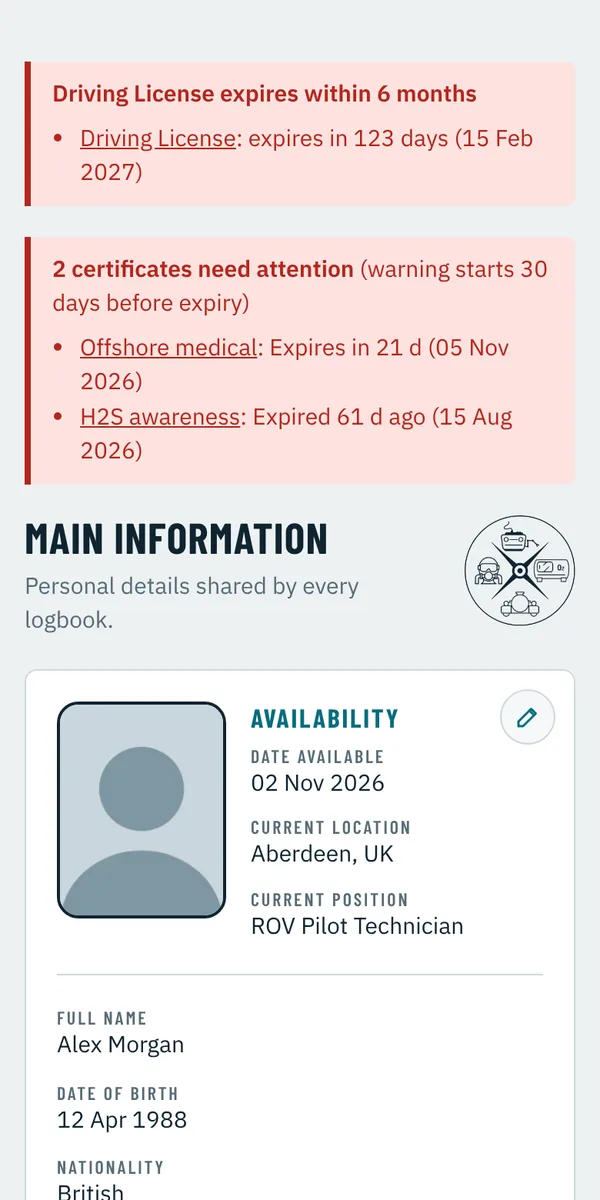
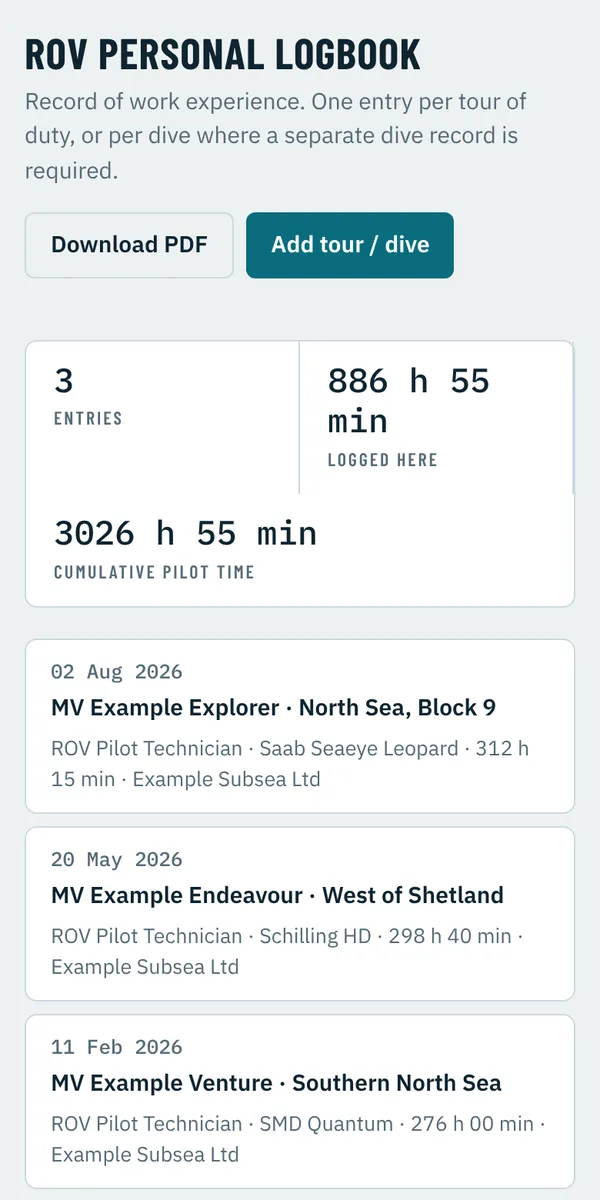
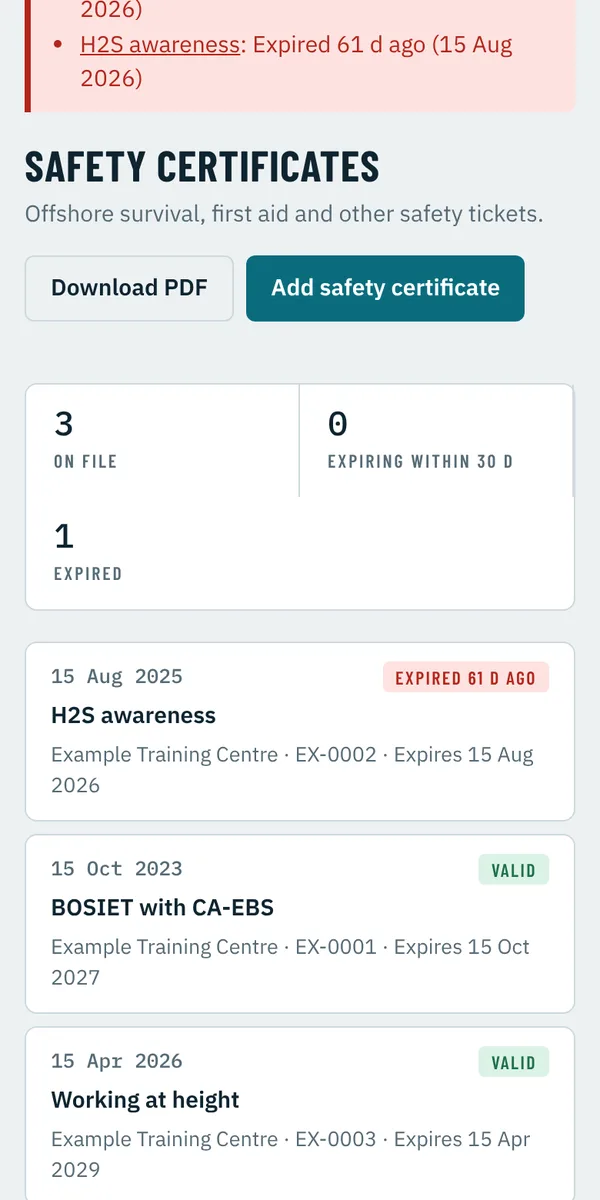
Screens show fictional example data.
What else it does
Certificates
Medical, safety and training certificates with copies attached. Amber 30 days before expiry, red once expired.
Travel documents
Passports, driving licence and visas, flagged red six months before they run out.
Signatures on screen
Supervisors, verifiers and masters sign with a finger or stylus on your device. The date and time are recorded.
PDF summaries
A landscape A4 summary of any logbook, with your details at the top, ready to email.
Locked to you
App password with Face ID or fingerprint unlock. It locks again after five minutes in the background.
Availability
Date available, current location and current position, shown beside your photo.
Registry Office request
Prepare a verification request for your Discharge Book to its Registry Office from inside the app.
Past addresses
Address history kept automatically when you move, for flag state applications.
Your records stay yours
- Stored only on your phone or tablet, in the app’s private storage
- No account, no advertising and no tracking
- Nothing leaves the device unless you save or send it
- Copies of your passport, licence and discharge book are only shown on your device
Coming next
Encrypted backup, and sync between your own devices.
Registry Office and vessel sign-off through secure links, so an approval can be checked by anyone you send your summary to.
Want to test it?
Testing is open to working ROV pilots, divers, chamber operators and seafarers. Email us with your device (Android, iPhone or iPad) and the logbooks you keep, and we will send you an invitation.
support@subserv.org